
SafeSend Gather
simplify the tax document collection process
SafeSend Gather
simplify the tax document collection process
We are proud to offer our clients an all-in-one way to complete the tax document collection process in a completely paperless and secure manner from start to finish — right from your computer or tablet. Using the innovative technology of SafeSend One, the process is user-friendly and highly secure! Before you begin, please gather all of your tax documents in advance.
Benefits of Using SafeSend Gather
- Increased security around the sharing of your confidential tax documents.
- Improved turnaround time to prepare your tax return – we will no longer have the delay of information being routed through the mail, email and/or scanning of hard copy documents. We will have immediate access to start the preparation process.
- Simultaneous access to the same tax documents – you will retain a copy of all information you provide us through the software, which means you will not have to wait for us to process and return any documents to you that you may need as we complete your tax return.
How it Works
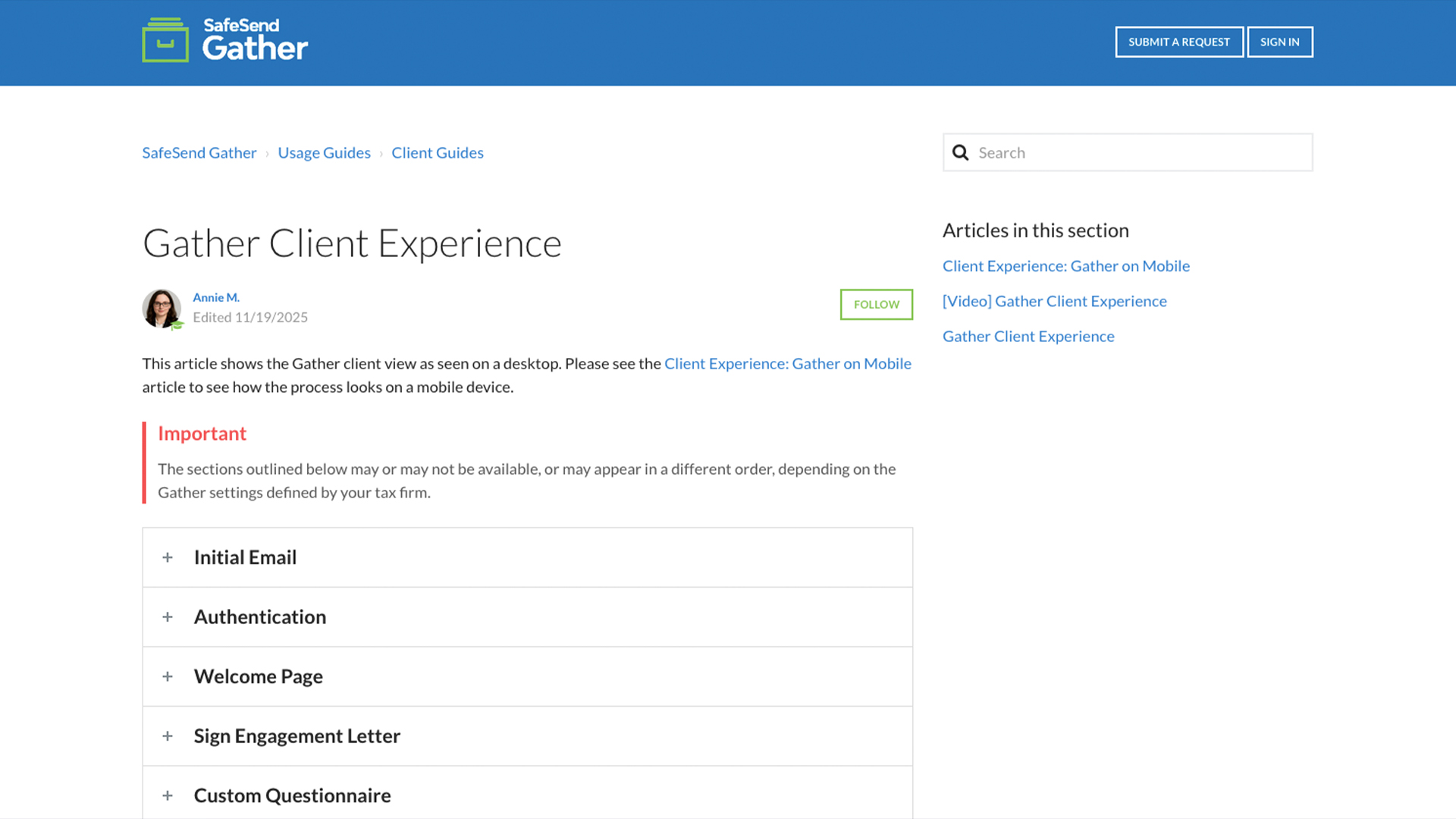
Steps to complete your Gather Request are as follows:
- Receive an email from [email protected]
- Click the ‘Let’s Get Started’ blue button.
- Click send code to generate an access code. This code will be delivered to your email address or mobile device.
- Once you have requested the access code and entered it, you will be able to do the following:
- E- sign your Engagement Letter.
- Answer the custom questionnaire (if applicable).
- Fill out your tax organizer.
- Upload tax documents.
- As you progress through each step, click Next.
- Once all steps have been completed and all tax documents have been uploaded, click Finish. This will notify Somich & Associates to start preparing your tax return.
Watch a short video to walk you through the organizer experience.
Helpful Resources


Frequently Asked Questions
Which file types can I upload?
You can upload .pdf, .doc, .xls, .txt, .png, .jpeg, QBX, QBY, QBA, and QBB files. Only PDF and image files go through document recognition with Gather.
Can I edit an organizer after it's been submitted as complete?
Yes. Please contact your MCB tax professional and we will reopen your organizer.
When can I upload additional documents?
If you marked the document uploads as complete, additional documents cannot be uploaded. Please contact your MCB tax professional and we will reopen your organizer.
Can I fill out my Gather request on a tablet?
The Gather request can be completed on a tablet. This includes signing, completing the questionnaire, filling out the organizer, and uploading documents.
Can I fill out my Gather request on a phone?
Gather requests can be partially completed on a phone. You can sign and upload documents, but you cannot complete the questionnaire or fill out the organizer. See the Gather on Mobile article for more information.
Why are the options to get started, sign, and fill grayed out?
This indicates that your spouse must sign the engagement letter before you can continue.
I finished uploading source documents, what is the difference between “Complete Later” and “Finish”?
When you have completed the organizer and uploaded your source documents, you will be given two options. Select “Finish” if you are confident that you have submitted all your tax documents and are ready for us to prepare your return. “Finish” will lock your organizer and you will not be able to make changes or add more files. Select “Save & Close” if you are waiting on additional documents.
Can I use a mobile device or iPad?
This indicates that your spouse must sign the engagement letter before you can continue.
I don’t have a scanner. What should I do?
You can use the camera on your phone or iPad to take pictures of documents and then upload them. Please be sure the documents are adequately lit and on a flat contrasting surface for best results.
I completed uploading documents but have additional files to send, what should I do?
Contact us at 216-250-4533 to have your organizer unlocked, allowing you to submit more documents.